
Why Coffee Shops Need a POS System
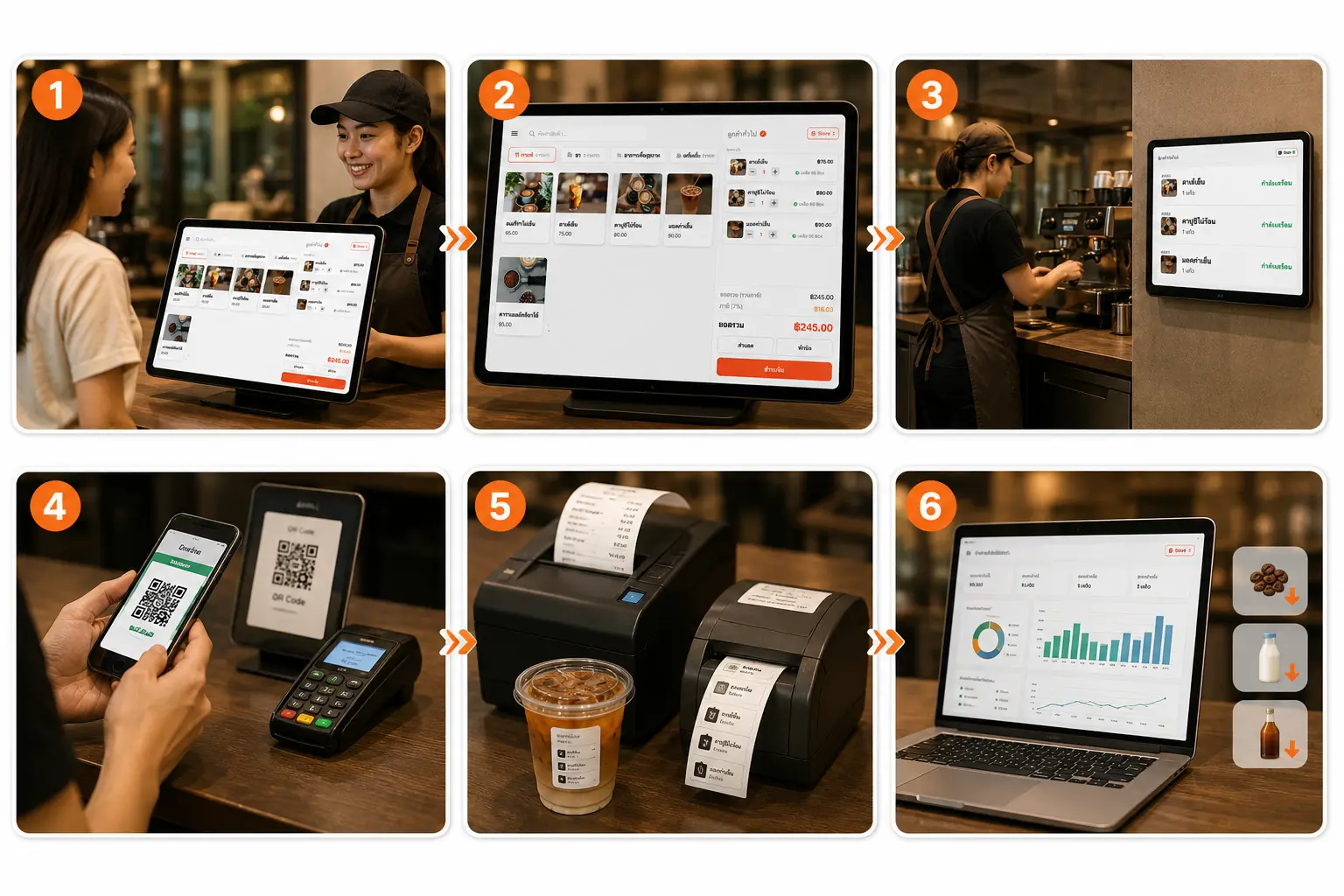
Most coffee shops still writing down orders by hand or using a basic cash register run into the same problems again and again: mis-written orders, forgotten customizations like sweetness level or milk type, and no real sense of each cup's true cost, since calculating ingredient cost by hand gets unwieldy once the menu has dozens of items. A coffee shop POS system solves this by tying every step together — taking the order, charging payment, and updating ingredient stock — into one system.
Beyond cutting mistakes at the bar, a POS system built specifically for coffee shops also gives owners a clearer view of the business as a whole — which items sell best in the morning, which customizations customers pick most often, and which ingredients are about to run low before it actually affects sales. This data makes ordering and pricing decisions far more accurate than going by gut feeling.
For shops just starting out or expanding to new branches, having a POS system early also keeps sales and stock data for every branch in one place, instead of piecing it together from notebooks or scattered spreadsheets — something small coffee shops often overlook until it gets in the way of long-term growth decisions. Consistent brewing standards and quality control are also something industry bodies like theSpecialty Coffee Association (SCA) place a lot of weight on, and having accurate cost and recipe data from a POS system is part of what helps a shop keep quality consistent, cup after cup.
How to Choose the Right Coffee Shop POS
There are many POS providers in the Thai market. Choosing one built specifically for coffee shops means weighing the following criteria before signing up.
Easy to Use, Fast to Train New Staff
The order screen should be simple enough that part-time staff can learn it within minutes, with no lengthy training required.
Accurate Per-Cup Cost Calculation
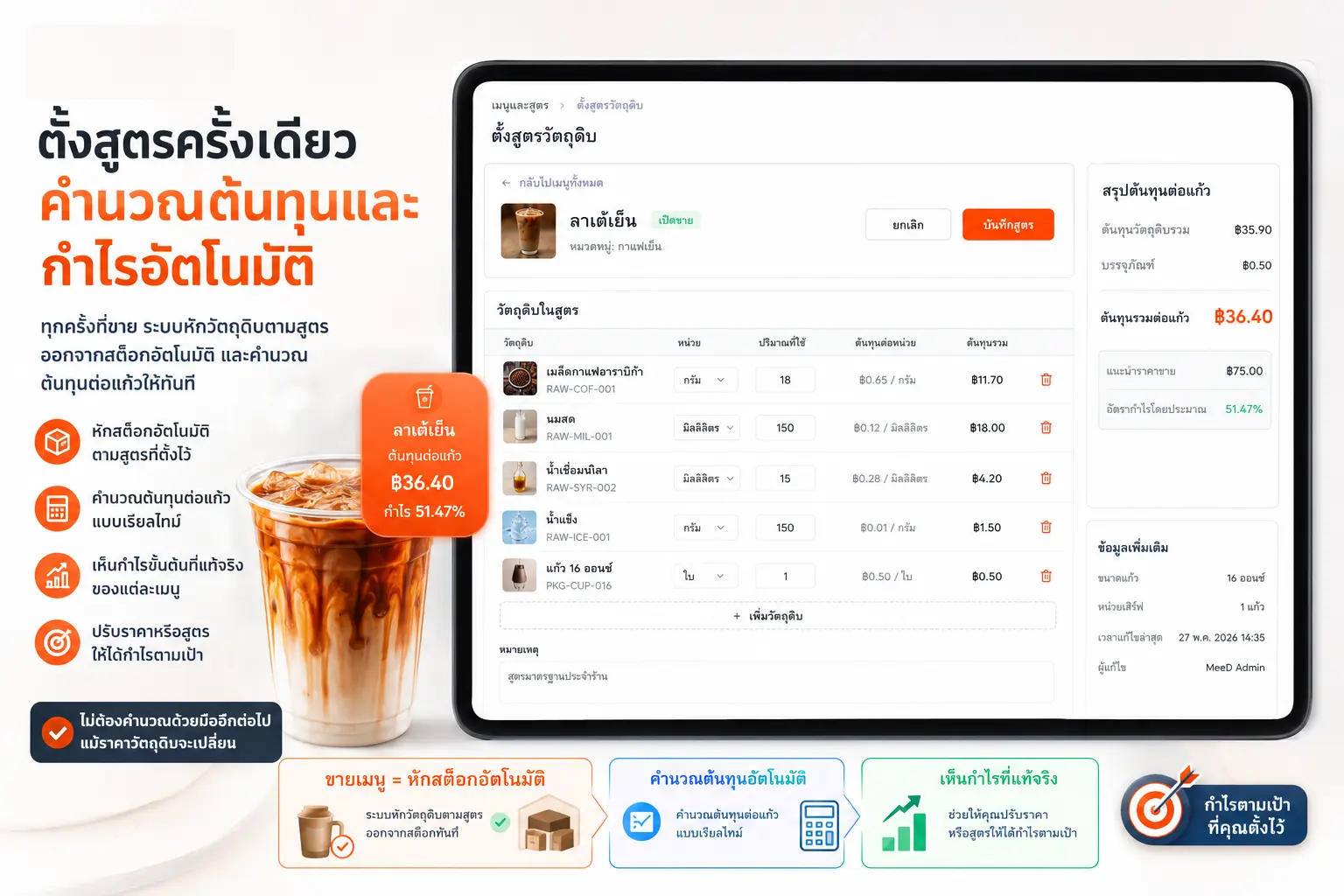
The system should let you set an ingredient recipe per menu item, so you know the real cost of every cup and your true gross margin.
Built-In Membership and Loyalty Points
Coffee shops rely heavily on repeat customers — a CRM system with points earning and redemption helps turn walk-ins into regulars.
Supports Cup Sticker Printing
A feature specific to drink shops that general restaurant POS systems often lack — it cuts down on mix-ups when multiple orders go out at once.
Supports Multiple Branches in One System
If you're planning to expand, choose a system that shows combined reports for every branch from one place, with no switching between apps.
Clear Plan Pricing, No Hidden Fees
Compare monthly or annual pricing and check for extra charges, such as hardware or transaction fees.
If your shop plans to print cup stickers to cut down on mix-ups during busy multi-order rushes, see the setup steps at Cup Sticker Printer Setup Guide. And to read more on using a membership system to turn walk-ins into regulars, see Customer Relationship Management (CRM): Turning Walk-Ins Into Regulars.
How Coffee Shop POS Differs from Restaurant POS
While coffee shop POS and restaurant POS share the same basic principles — taking orders, charging payment, managing stock — each business type has fairly different specific needs. Coffee shops need detailed drink customization options like sweetness level, milk type, cup size, and per-cup sticker printing, while general restaurants care more about table management, routing orders to multiple kitchen stations, and splitting bills by headcount.
MeeD POS is built to work for both business types in one system, so coffee shops that also serve light food don't need two separate systems. For restaurants that need a system focused specifically on table management and automatic kitchen routing, see more at POS System for Restaurants.
How MeeD POS Calculates Cost Per Cup
Many coffee shops price their menu by gut feeling or by matching competitors, without knowing the true cost of each cup — which means some items may actually be selling at a thinner margin than expected. MeeD POS solves this by letting you set a recipe for each menu item in advance — for example, how many grams of coffee beans, milliliters of milk, and pumps of syrup go into a small hot latte.
Once a recipe is set, every time that item sells, the system automatically deducts the ingredients from stock per the recipe and calculates the per-cup cost instantly. That gives owners a true picture of each item's gross margin, and lets them adjust pricing or recipes to hit a target margin, without manually recalculating every time ingredient prices change.
Frequently Asked Questions About Coffee Shop POS
Answers to the questions coffee shop owners ask most.
How many drink customization options does the POS support?
MeeD POS supports unlimited options — sweetness level, milk type (whole, oat, almond), cup size, extra shots, and toppings. All configurable yourself in the app, with no technical knowledge required.
Can it calculate the cost per cup?
Yes — set an ingredient recipe per menu item in advance, and the system calculates the per-cup cost automatically, giving you an accurate net profit for every item.
Can a coffee shop print cup stickers?
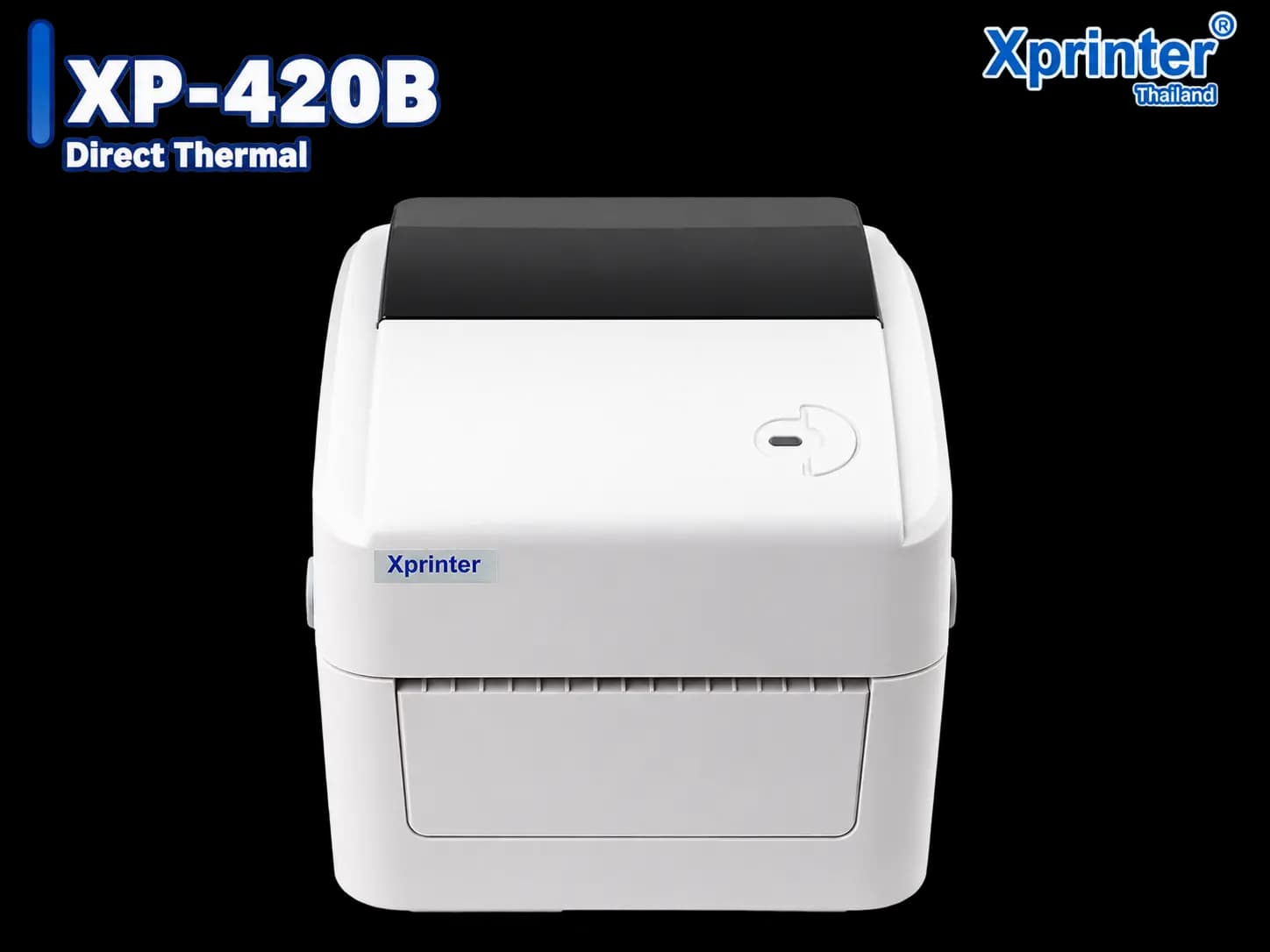
Yes — MeeD POS supports setting a printer to "sticker (per unit)" mode for drink categories, printing one sticker per cup showing the menu item and options like hot/iced, milk type, and sweetness. See the full steps in the cup sticker printer setup guide.
Can I use a KDS (Kitchen Display System) instead of printing order tickets?
Yes — the Starter plan and up support KDS, showing order items on a screen for baristas to see instantly, cutting down on wasted time and mis-written orders.
Can it alert me when coffee beans or milk are running low?
Yes — set a minimum threshold for each ingredient, and the system sends an automatic alert in the app when stock is running low, preventing you from running out mid-shift.
Can 2 or more coffee shop branches use the same system?
Yes — MeeD POS supports multiple branches, letting you manage menus, pricing, and stock, and view combined reports for every branch from one place, synced in real time.
Can coffee shop POS and restaurant POS use the same system?
Yes, they can use the same system. MeeD POS is built to adapt to both, though coffee shops get extra benefit from specific features like cup sticker printing and per-cup cost calculation, while restaurants mainly use automatic kitchen routing and table separation. See more on restaurant POS systems here
Does it have a loyalty points system for regular customers?
Yes — MeeD POS comes with a built-in CRM for earning and redeeming points, helping turn walk-in customers into regulars. See more details at the loyalty points system guide
How much do the plans cost — any hidden fees?
Plan pricing is shown clearly based on the number of branches and features you use, with no hidden fees. Try it free for 30 days before deciding on a paid plan. See full pricing at the pricing page
What hardware do I need to buy to get started?
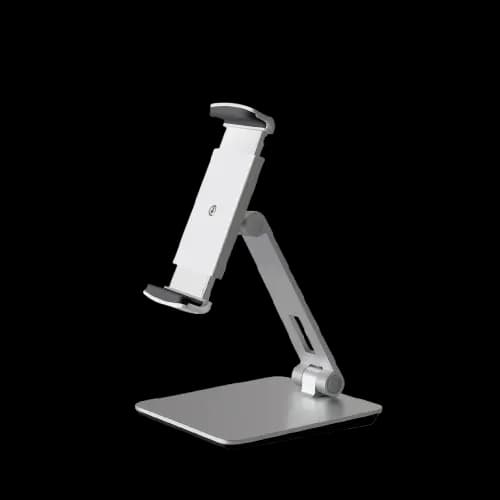
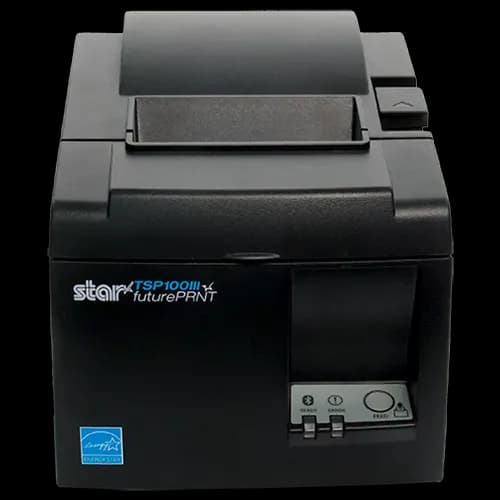
The main hardware recommended is an iPad for taking orders and a receipt printer, plus a separate sticker printer if you want cup sticker printing. Small shops can start with just one iPad and add hardware as the shop grows.
Is there a team to help with setup and training?
Yes — the MeeD POS team helps set up your initial menu and teaches staff the basics, so your shop can start selling for real on day one of installation.
How safe is my sales and stock data — if a device breaks or is lost, is the data lost too?
All data is saved to the cloud in real time. If a device breaks or is lost, you can log in from a new device and pick up right where you left off, with sales, stock, and reports all still there.