POS System forRetail Stores
Scan barcodes, control stock, get low-stock alerts, and run promotions from one place — built for convenience stores, minimarts, and grocery shops of every size.
Import Products Instantly
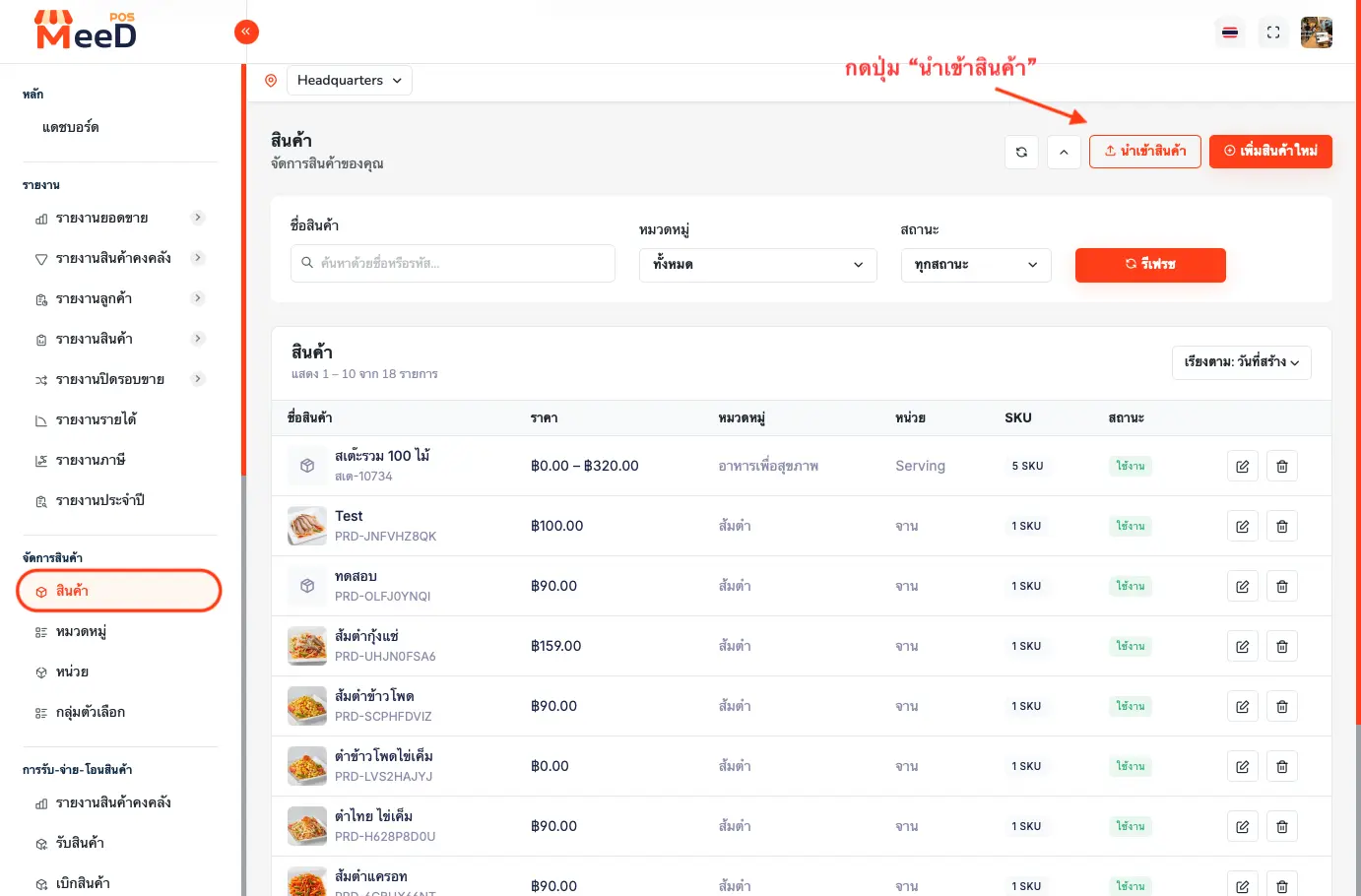
Add products one at a time or import them from Excel
Know Your Best Sellers
See which products sell best, reorder accordingly, and plan stock precisely
Prevent Lost Inventory
Count stock, track movement, and cut losses
What Is Retail POS Software?
Retail POS software scans product barcodes, checks customers out, prints receipts, and deducts stock as you sell, all in one step. It suits minimarts, grocery stores, stationery shops, and any store with hundreds of products.
MeeD POS runs on iPad. Scan products with a Bluetooth barcode scanner or search by name and SKU. Stores with large catalogs can import products from an Excel file in one go, then check sales and remaining stock from a phone.
- Faster barcode checkout with fewer pricing mistakes
- Know what is left of each product without daily counts
- Get alerts before best sellers run out
- See which products sell best and what to reorder
Start Selling in 4 Steps
From adding products to reading reports, no IT team needed.
01. Add Products
Add products one by one, or upload the 6-sheet MeeD POS Excel template
02. Label With Barcodes
Use manufacturer barcodes, or print your own barcode labels on a label printer (Starter and above)
03. Scan, Sell, and Get Paid
Scan products, take cash or PromptPay QR, print the receipt, and open the cash drawer
04. Track Stock and Reports
Stock is deducted as you sell, low-stock alerts fire, and daily sales are summarized (inventory starts at Starter)
Complete Features for Retail Stores
Everything a retail shop needs, in one system.
Barcode Scanning
Scan products fast with a barcode scanner, or search by name or SKU
Product Management
Group products by category — snacks, drinks, household goods, fresh food — with retail, wholesale, and member pricing
Real-Time Stock Tracking
Import products from Excel, track remaining quantities, and view in/out movement history
Low-Stock Alerts
Set reorder points and get alerted automatically when stock runs low
Barcode Label Printing
Print your own product barcode labels right from the system — no need to wait on manufacturer barcodes
Multiple Payment Methods
Cash, QR code, PromptPay, credit cards, with receipt printing and cash drawer control
Complete Reports
Daily/weekly/monthly sales, best sellers, profit by product, stock reports
Recommended Hardware for Retail Stores
MeeD POS hardware for scanning products, taking payments, and printing receipts
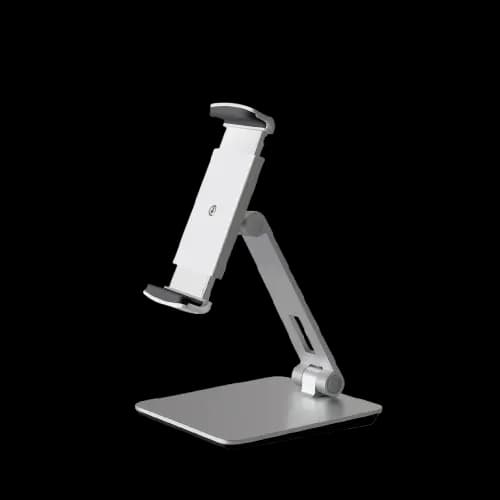
White iPad & Tablet Stand — Aluminum and ABS
฿990
An adjustable stand for placing an iPad or tablet at the cashier counter.
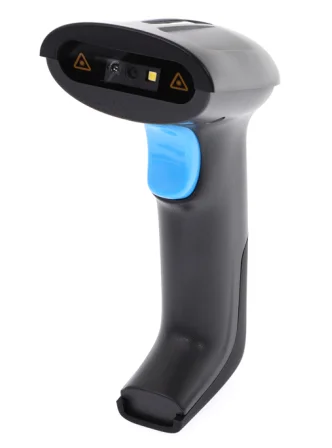
2D Barcode & QR Code Scanner
฿3,500
Supports 1D and 2D barcodes, QR codes, and Bluetooth connectivity.
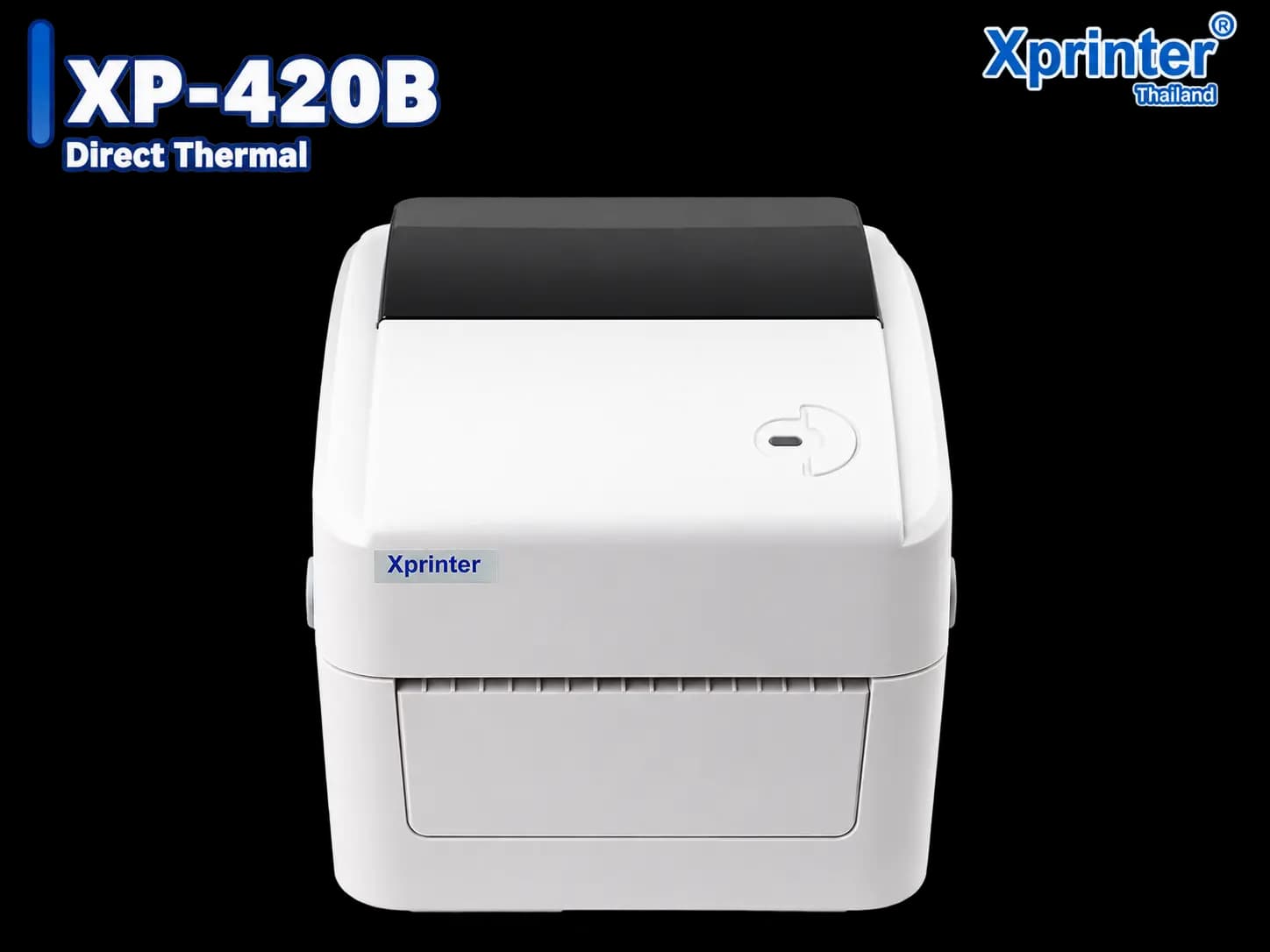
Xprinter XP-420B Barcode & Label Printer
฿3,900
Prints product labels, price tags, and 1D/2D barcodes with ink-free direct thermal technology.
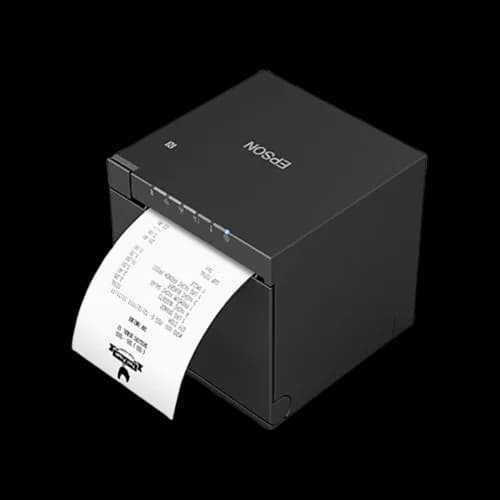
Epson TM-m30III 80mm Receipt Printer
฿14,900
Prints at 300 mm/s with built-in USB, LAN, Bluetooth, and Wi-Fi.
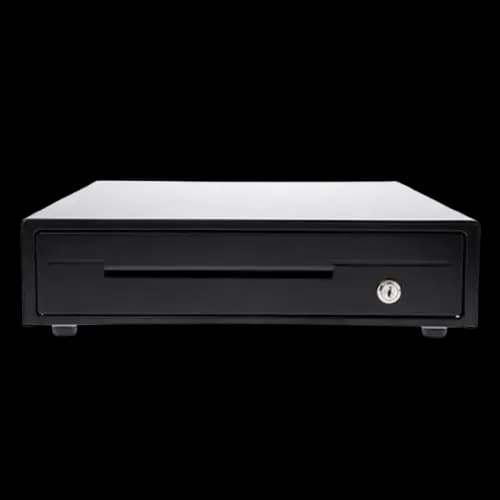
MAKEN EK-350 Cash Drawer — 4 Bill and 8 Coin Slots
฿2,000
A durable steel cash drawer with RJ11 automatic opening through a compatible printer.
Related Content
Related Articles
- วิธีเลือก POS สำหรับร้านค้าปลีกขนาดเล็กในไทยให้เหมาะสม
- ระบบ POS คืออะไร? ทำงานอย่างไร และร้านแบบไหนควรใช้
- เครื่องสแกนบาร์โค้ด Bluetooth เชื่อมต่อ POS ยังไง
- การจัดการสต็อกสินค้าอย่างมืออาชีพ
- ระบบ POS ร้านขายอาหารสัตว์ — สแกนบาร์โค้ด Bluetooth
- ระบบ POS ร้านขายเสื้อผ้า — จัดการสต็อกแยกไซส์และสี
- ระบบสมาชิกและสะสมแต้ม — เปลี่ยนลูกค้าขาจรเป็นขาประจำ
Documentation
Retail POS FAQ
Answers for retail owners before getting started.
Which plan should a retail store start with?
If you need automatic stock deduction and low-stock alerts, start on Starter (฿590/month, special price ฿490) because Basic has no inventory. If you only need checkout and sales reports, Basic at ฿250/month works. Every plan has a free 30-day trial. Compare plans and entitlements
I have hundreds of products. Do I have to enter them one by one?
No. Download the MeeD POS Excel template, fill in your products, and upload it in the MeeD POS Dashboard. The file is validated before you confirm the import. How to import products from Excel
Which barcode scanner can I use?
MeeD POS sells a Bluetooth 2D barcode and QR code scanner for ฿3,500. Use it at checkout and for stock counts. See the barcode scanner
Can I print barcodes for products that don't have one?
Yes. Starter and above can print product barcode labels from the system on a label printer such as the Xprinter XP-420B. See the Xprinter XP-420B label printer
Ready to Elevate Your Retail Store?
Try MeeD POS free for 30 days — no cost, no credit card required.
Start Free Trial