POS System for
Pet Food Shops on iPad
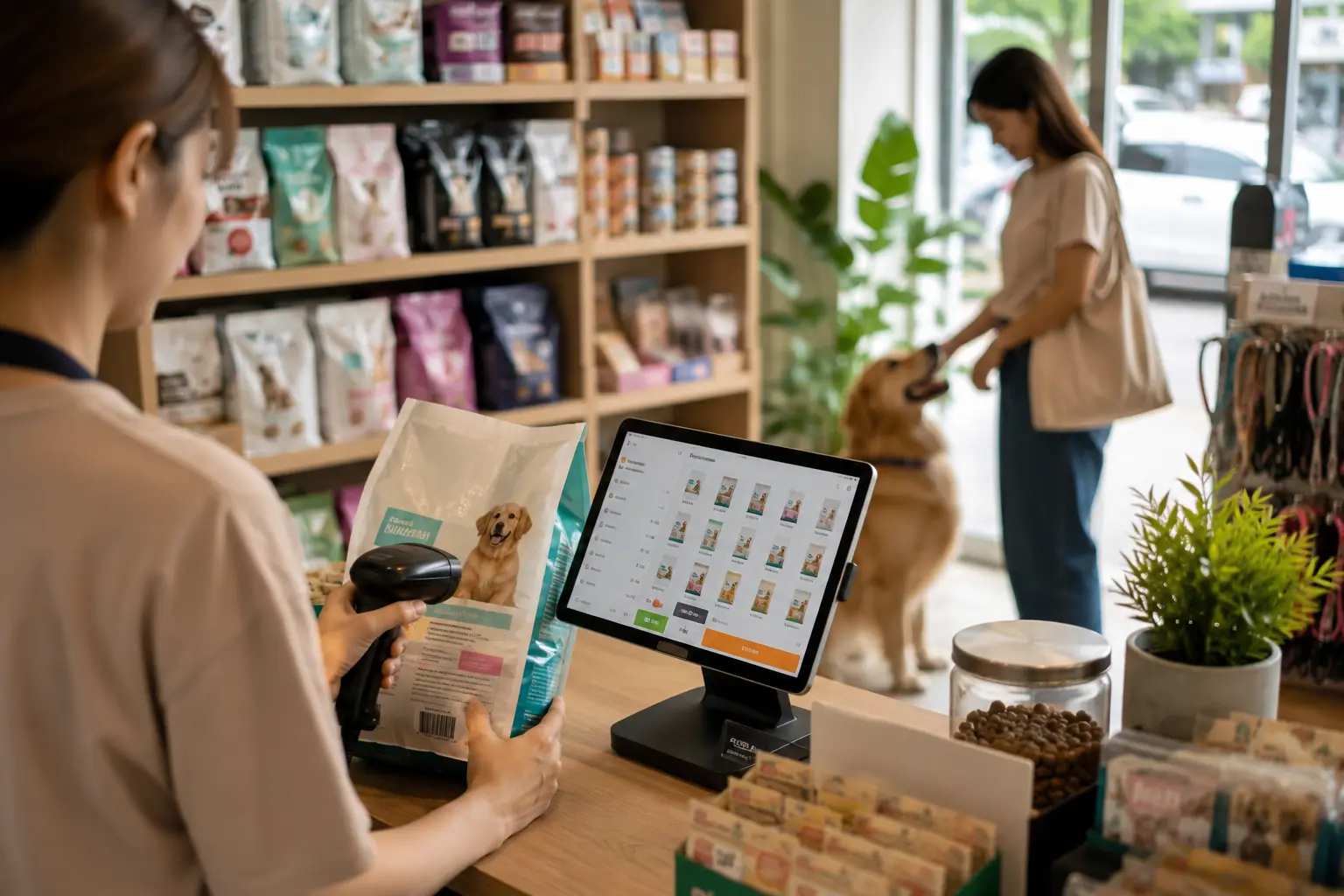
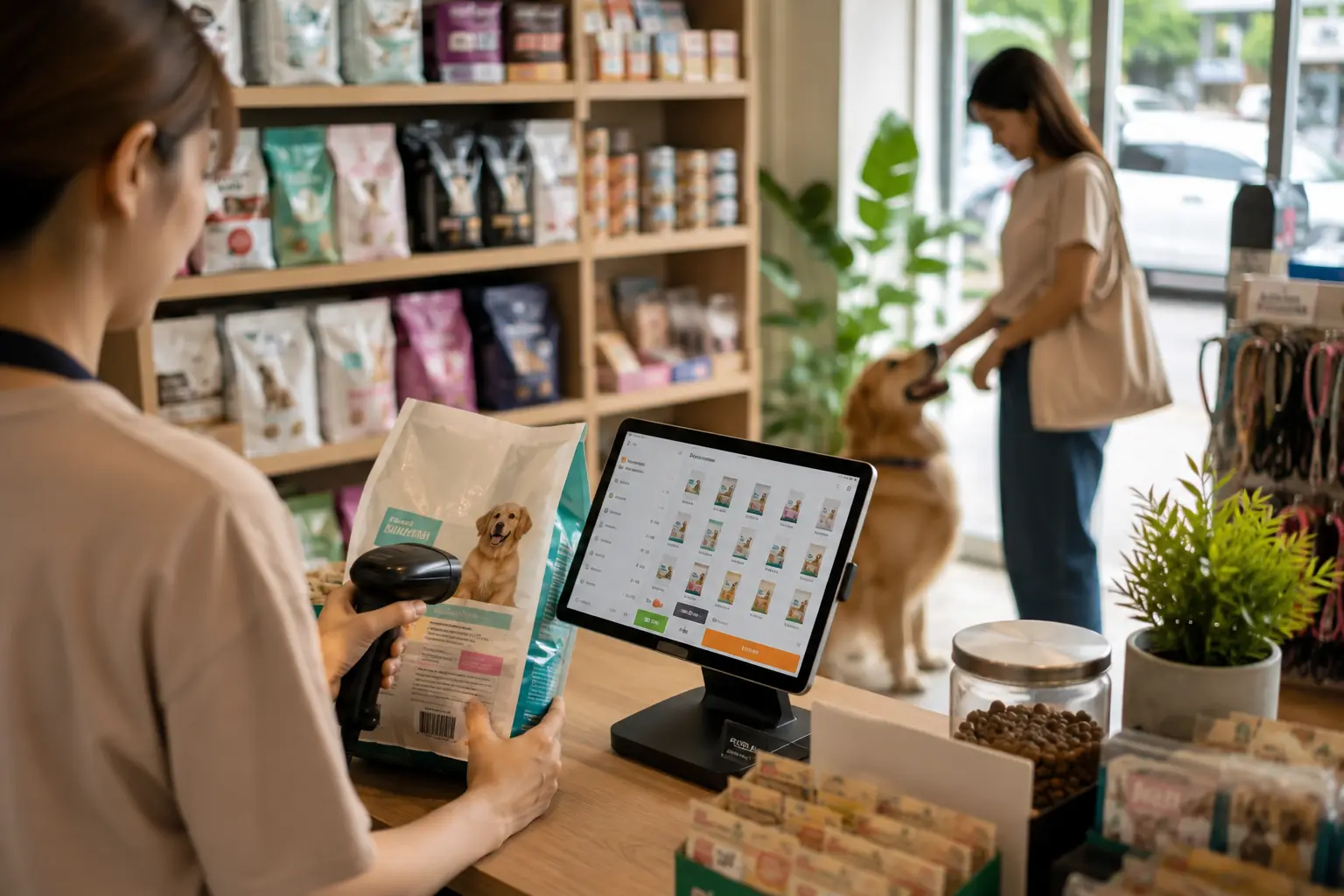
MeeD POS helps pet food shops scan barcodes via Bluetooth for fast checkout, manage stock by brand and package size, get low-stock alerts, and run a loyalty points program that brings customers back every month.
Start Selling Step by Step
Import products from Excel, set prices easily, and start selling right away
Bluetooth Barcode Scanning
Connect a scanner directly to the iPad — fast checkout, no cables
Know Your Best Sellers
See which brand or formula sells best and plan orders precisely
Prevent Expired Stock
Track stock movement to reduce items sitting on the shelf
Split Stock by Brand, Formula, and Package Size
A pet food shop differs from a general retail store in that each brand often has several formulas (puppy formula, weight-control formula, kidney-care formula) and several package sizes under the same product name. MeeD POS's pet food shop system lets you set up unlimited separate SKUs by brand, formula, and size — with clearly separate pricing and stock deduction that never gets mixed up at checkout.
With many SKUs, manual stock counts get error-prone fast. The system alerts you when any specific product runs low — read more about stock management atPet Food Shop Stock Management: Low-Stock Alerts, and about scanning barcodes for fast, accurate per-SKU checkout atBluetooth Barcode Scanners for Pet Food Shops
Pet food has an expiry date and loses quality if it sits in storage too long. First In, First Out (FIFO) stock rotation is the standard principle used across any business that sells perishable goods, ensuring the oldest stock always sells first to reduce waste and keep shelf quality high, asUniversity of New Hampshire Extension explains in its guide to stock rotation. MeeD POS shows the intake date for each SKU, making it easier to rotate stock on a FIFO basis together with low-stock alerts.
Complete Features for Pet Food Shops
Everything a pet food shop needs, in one system.
Bluetooth Barcode Scanning
Connect a barcode scanner directly to the iPad via Bluetooth — scan each pet food SKU for fast, accurate checkout
Manage by Brand & Size
Group pet food by brand, formula, and package size, with separate retail, wholesale, and member pricing
Real-Time Stock Tracking
Import products from Excel, track remaining quantity by SKU, with complete in/out movement history
Low-Stock Alerts
Set reorder points per product — get alerted before items run out, so you never miss a regular customer
Loyalty Points Program
Record customer purchase history, earn and redeem points, and turn one-time buyers into regulars
Barcode Label Printing
Print your own barcode labels for each pet-food brand and package size right from the system
Multiple Payment Methods
Cash, QR code, PromptPay, credit cards, with receipt printing and cash drawer control
Bluetooth Barcode Scanning
Fast Checkout, No Wrong SKUs
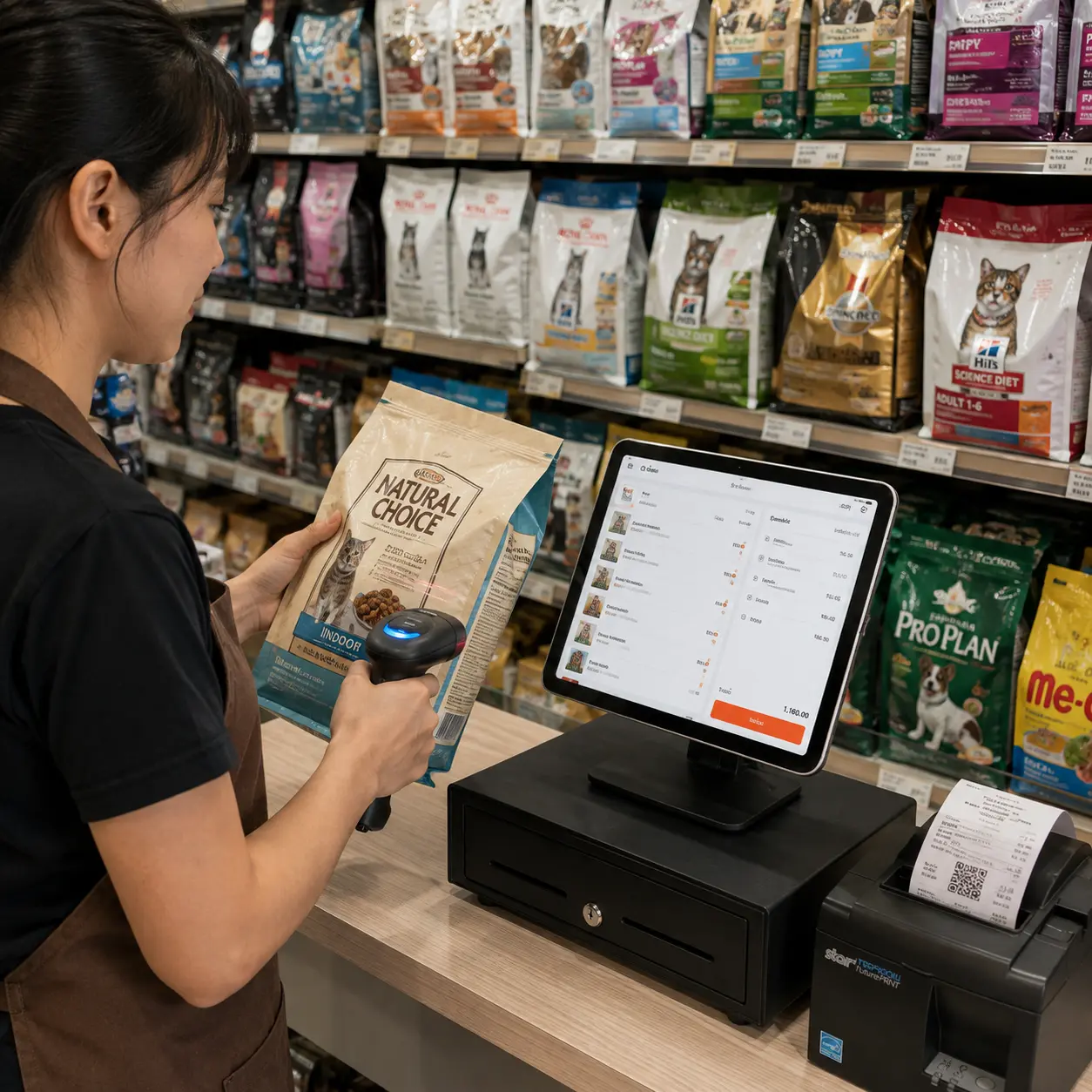
Pet food shops carry many brands and package sizes that look similar. Barcode scanning helps staff check out fast and accurately without typing product names to search.
Connect a barcode scanner directly to the iPad via Bluetooth — no cables or signal converters needed. Pair once and it's ready to use.
Scan each pet food SKU accurately, even when the same brand has multiple formulas or package sizes, reducing the chance of charging for the wrong item.
Stock deducts automatically the instant a sale is scanned, and scanning can also speed up stock counts or receiving goods into inventory.
Read the in-depth details for each feature: Stock management and low-stock alerts (see the full overview at shop stock management), loyalty points program (see the full feature at membership and loyalty points) and Bluetooth barcode scanner setup
Recommended Hardware for Pet Shops
MeeD POS hardware for scanning products, taking payments, and printing receipts
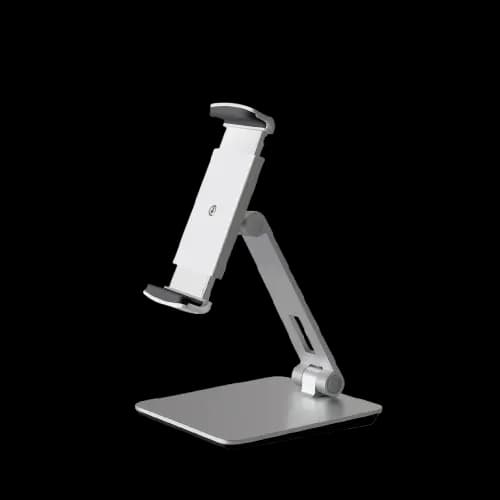
White iPad & Tablet Stand — Aluminum and ABS
฿990
An adjustable stand for placing an iPad or tablet at the cashier counter.

2D Barcode & QR Code Scanner
฿3,500
Supports 1D and 2D barcodes, QR codes, and Bluetooth connectivity.
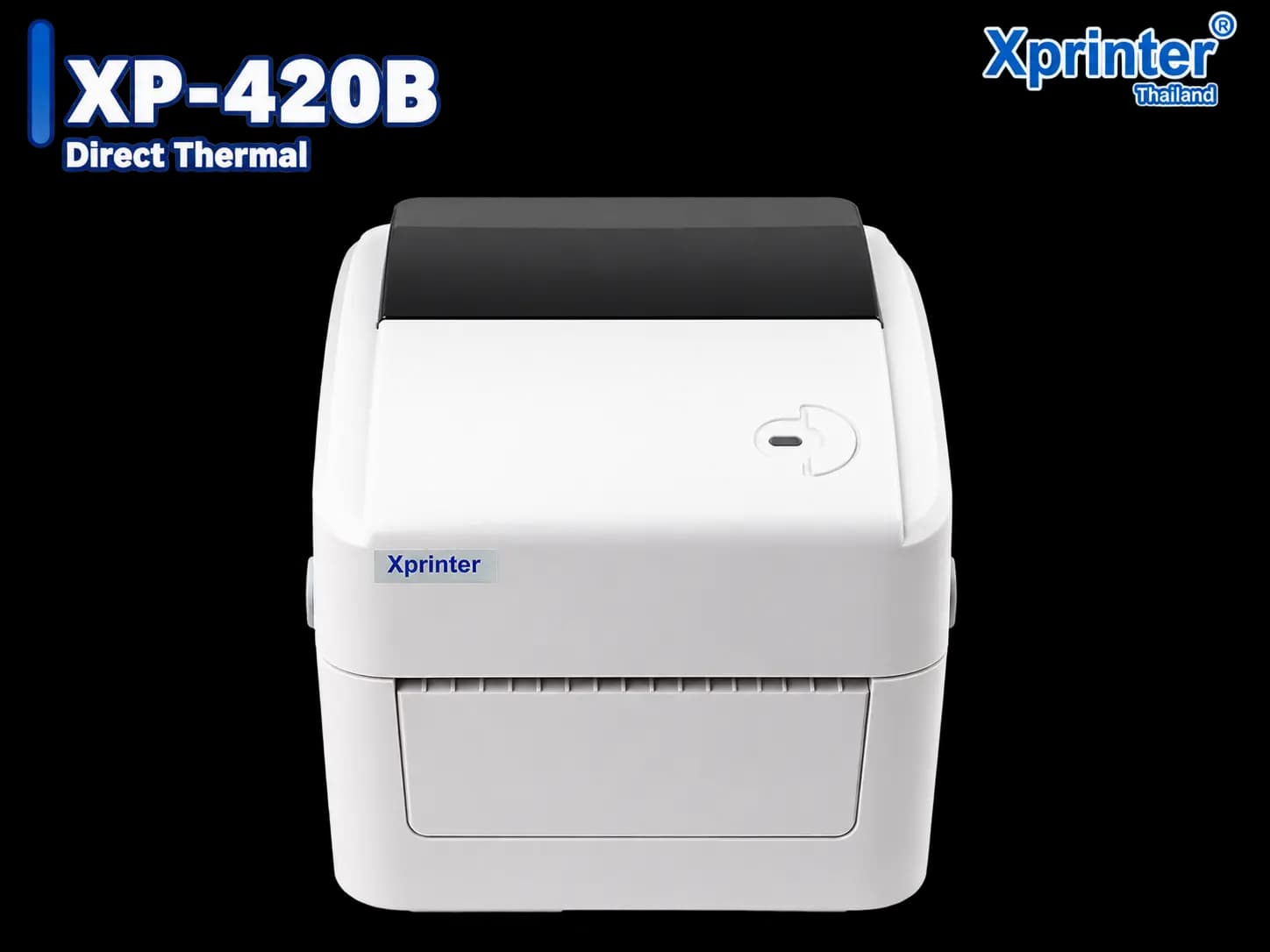
Xprinter XP-420B Barcode & Label Printer
฿3,900
Prints ink-free labels, price tags, and barcodes for each pet-food brand, formula, and package size.
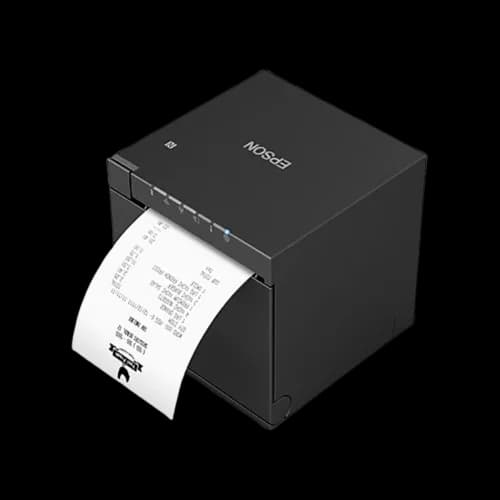
Epson TM-m30III 80mm Receipt Printer
฿14,900
Prints at 300 mm/s with built-in USB, LAN, Bluetooth, and Wi-Fi.
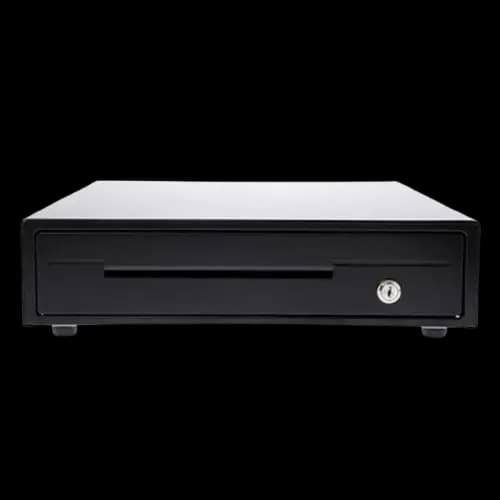
MAKEN EK-350 Cash Drawer — 4 Bill and 8 Coin Slots
฿2,000
A durable steel cash drawer with RJ11 automatic opening through a compatible printer.
Frequently Asked Questions for Pet Food Shop POS
Answers to the questions pet food shop owners ask most.
My shop carries several brands and package sizes — can each be its own SKU?
Yes — set up products by brand, formula, and package size as unlimited separate SKUs, each with its own price and barcode, with clearly separate stock deduction.
Do I need a specific barcode scanner brand, and how does it connect?
The system supports any barcode scanner that connects directly to the iPad via Bluetooth — no cables or signal converters needed. Pair once via Bluetooth and it's ready to use.
Can I set low-stock alerts per product?
Yes — set a reorder point per SKU. For example, a best-selling kibble can have an earlier alert than a slow-moving item. The system alerts automatically once the threshold is reached.
How does a loyalty points program suit a pet food shop?
Pet food is something customers buy repeatedly every month. A loyalty program records purchase history and lets customers earn and redeem points, keeping them coming back to your shop instead of buying elsewhere or through delivery apps.
Can I create purchase orders to pet food suppliers directly from the system?
Yes — once a product hits its reorder point, create a purchase order (PO), select the supplier and items, export to PDF, and send via LINE or email instantly. You can then receive goods into stock against that PO.
Ready to Elevate Your Pet Food Shop?
Try MeeD POS free for 30 days — no cost, no credit card required.
Start Free Trial